 Zinn® Agents
Add an AI chat agent to a site
Buy the chat agent for one of your sites and see what it reads first.
Step by step
Open the site
In the dashboard, open Sites and choose the site the agent is for.
Open the Chat agent section
Choose Chat agent in the site's menu. A site without one says This site does not have the chat agent yet.
Add it to the site
Choose Add the chat agent to this site and complete the purchase at the monthly price. The agent is created and switched on.
Let it read the site
The site the agent was bought for is added as its first source and read immediately. The source shows how many passages were read, or the reason it could not read the site.
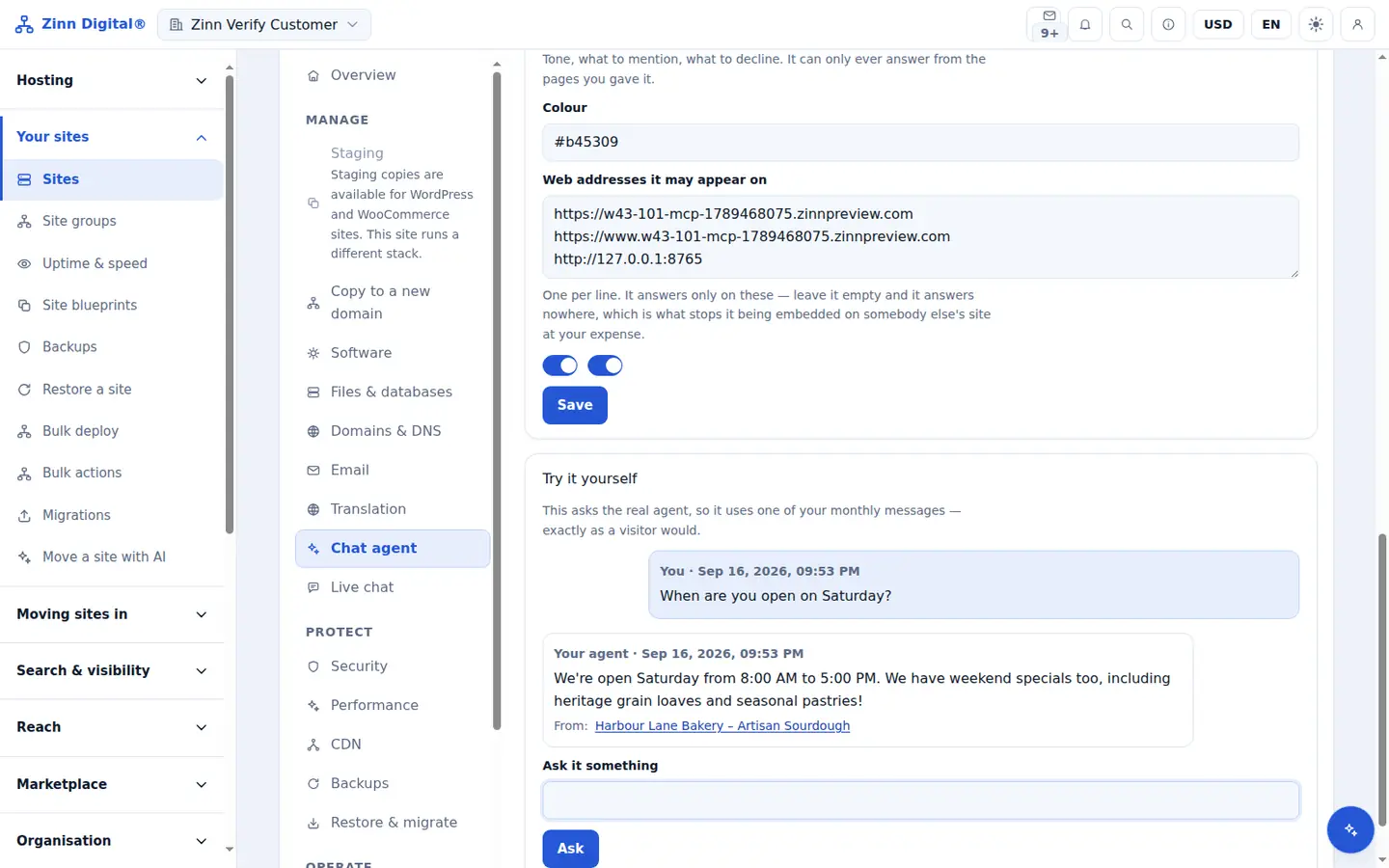
Ask it a test question
Under Try it yourself, ask something your site answers. The reply shows the answer and, under From:, the page it came from.
Included with Zinn Digital® hosting
Host with us and the AI comes with the account
Every Zinn Digital® hosting account includes the MCP server, the Ask Zinn® assistant and the AI migration agent at no charge, plus a one-time welcome credit for the site builder. On our servers, the chat agent reads a static site straight from its files and installs itself on WordPress.