 Zinn® Agents
Rebuild or edit an AI-built site
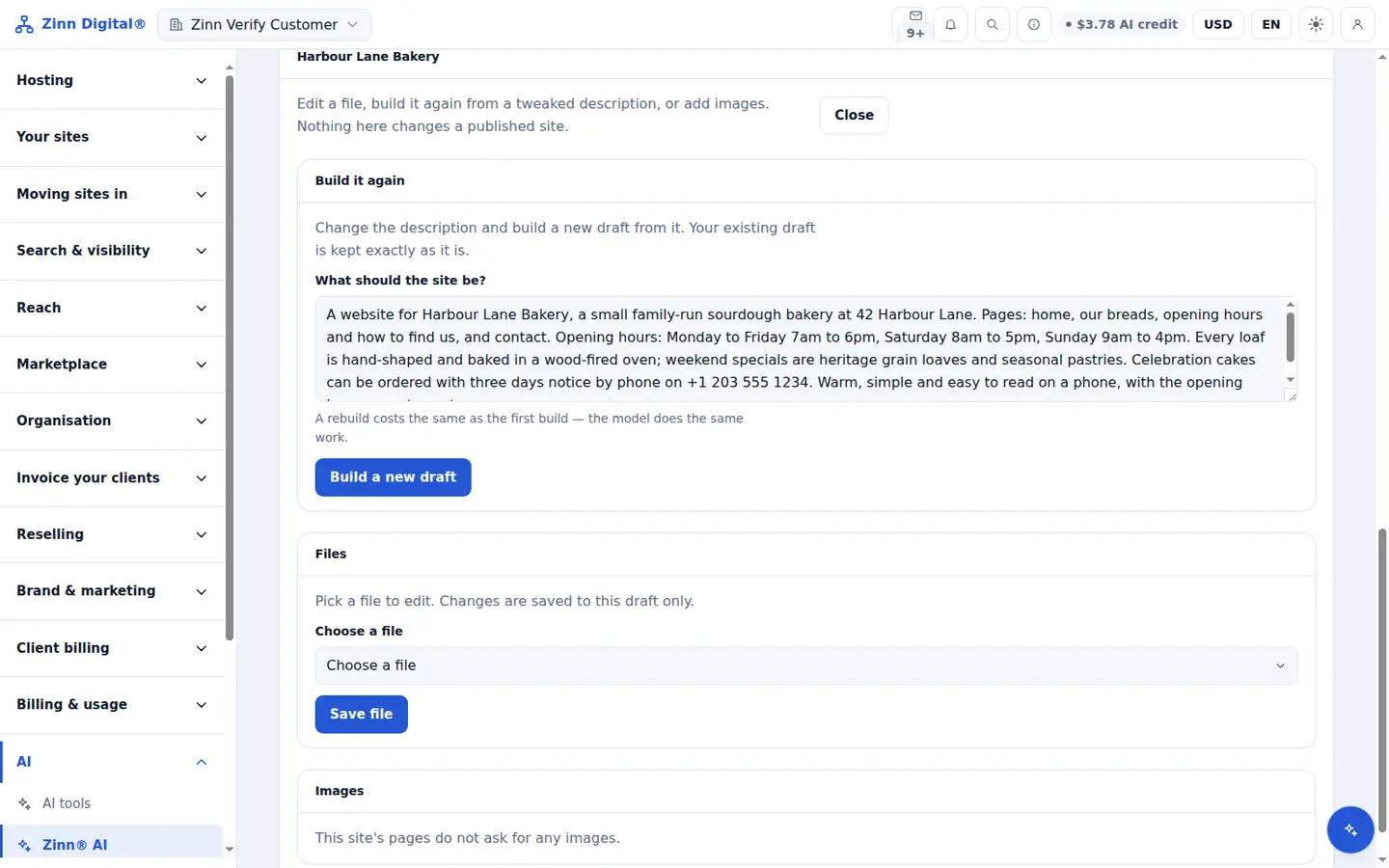
Change the brief and rebuild, or edit a single file of the draft directly.
Step by step
Open the draft
In the site builder, open the draft you want to change.
Rebuild from a changed brief
Edit the brief and rebuild when the change touches the whole site. A rebuild is charged like a build.
Edit one file
Open any file and edit it directly when the change is small. Changes are saved to the draft only.
Publish again
Your live site does not change until you publish the draft again.
Included with Zinn Digital® hosting
Host with us and the AI comes with the account
Every Zinn Digital® hosting account includes the MCP server, the Ask Zinn® assistant and the AI migration agent at no charge, plus a one-time welcome credit for the site builder. On our servers, the chat agent reads a static site straight from its files and installs itself on WordPress.