 Zinn® Agents
No hosting plan or long term needed — pay only for the builds you run.
Compare
Zinn® AI website builder vs Hostinger's AI website builder
A fair comparison of the Zinn® AI website builder and Hostinger's: how each is paid for, what it produces, and where the site can be published.
The short answer
Hostinger's AI builder comes with its hosting plans. The Zinn® builder has no plan or term: you pay per build, and you get plain files you can publish on any static host or our servers.
| Zinn® Agents | Hostinger | |
|---|---|---|
| How the builder is paid for | A one-time welcome credit, then AI credit per build or your own provider key | Included with Premium from $2.99, Unlimited from $3.99 and Cloud Startup from $7.99 a month, with 5 or 15 AI credits[1] |
| What it produces | Static HTML and CSS files you can edit and take with you | A site generated by AI, then edited with drag and drop, by chatting with the AI, or in the source code[2] |
| Where the site can be published | Cloudflare Pages, Netlify, GitHub Pages, GitLab Pages, a repository, or our servers | Hostinger's hosting plans[1] |
| Domain | Your site's own domain is connected when you publish | Custom domain free for the first year[1] |
Why people choose the Zinn® AI website builder over Hostinger
Plain HTML and CSS files you own, edit and can move anywhere.
Publish to Cloudflare Pages, Netlify, GitHub Pages and more, not just one host.
Where it is the better choice
Hostinger includes its AI builder with low-priced multi-year plans and a free domain for the first year, and lets you fine-tune a generated site visually with drag and drop, which suits people who would rather arrange a page than edit files.
Where Zinn® Agents fits better
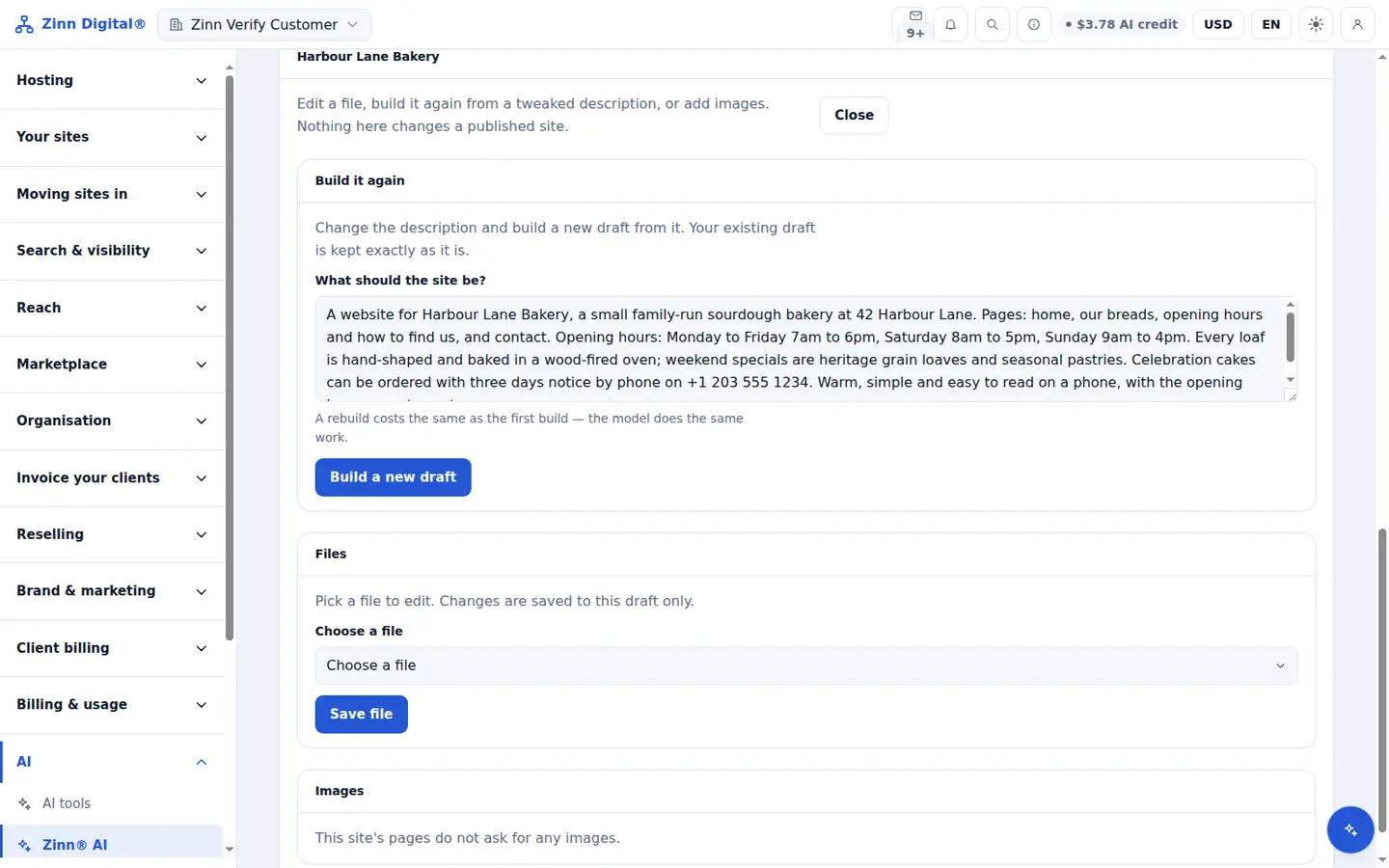
The Zinn® builder has no subscription or term: you pay for the builds you run, and the result is a set of plain files you can edit, keep in a repository and publish to the static host of your choice, or to our servers.
How to build your site with Zinn® instead of Hostinger in three steps
Write a short brief
Describe the business, its pages and the feel you want. Your first builds use the one-time welcome credit.
Build, then edit any file
The builder writes plain HTML and CSS. Rebuild with a new brief or edit any file yourself — nothing is locked into an editor.
Publish where you choose
Publish to Cloudflare Pages, Netlify, GitHub Pages, GitLab Pages, a repository or our servers, and connect your own domain. Unlike Hostinger, you are not tied to one host.
Questions about the Zinn® builder and Hostinger
Do I need a hosting plan to use the builder?
No. You pay for the builds you run — from AI credit or your own provider key — and can publish to a free static host if you like.
Can I take my site with me?
Yes. The result is a set of plain files you can download, keep in a repository and publish anywhere.
Is it better than Hostinger for every site?
No — see where Hostinger is the better choice above. The Zinn® builder suits people who want files they own and the freedom to host them anywhere.
More AI tool comparisons
- Zinn® AI chat agent vs Chatbase
- Zinn® AI chat agent vs Tidio Lyro
- Zinn® AI chat agent vs Intercom Fin
- Zinn® AI chat agent vs CustomGPT.ai
- Zinn® AI website builder vs 10Web
Competitor details are taken from the public pages linked above on the date shown. Prices and plans change; check the source before you decide.
Included with Zinn Digital® hosting
Host with us and the AI comes with the account
Every Zinn Digital® hosting account includes the MCP server, the Ask Zinn® assistant and the AI migration agent at no charge, plus a one-time welcome credit for the site builder. On our servers, the chat agent reads a static site straight from its files and installs itself on WordPress.