 Zinn® Agents
Install the chat agent on your website
Put the launcher on your site: automatic on WordPress sites we host, one script tag everywhere else.
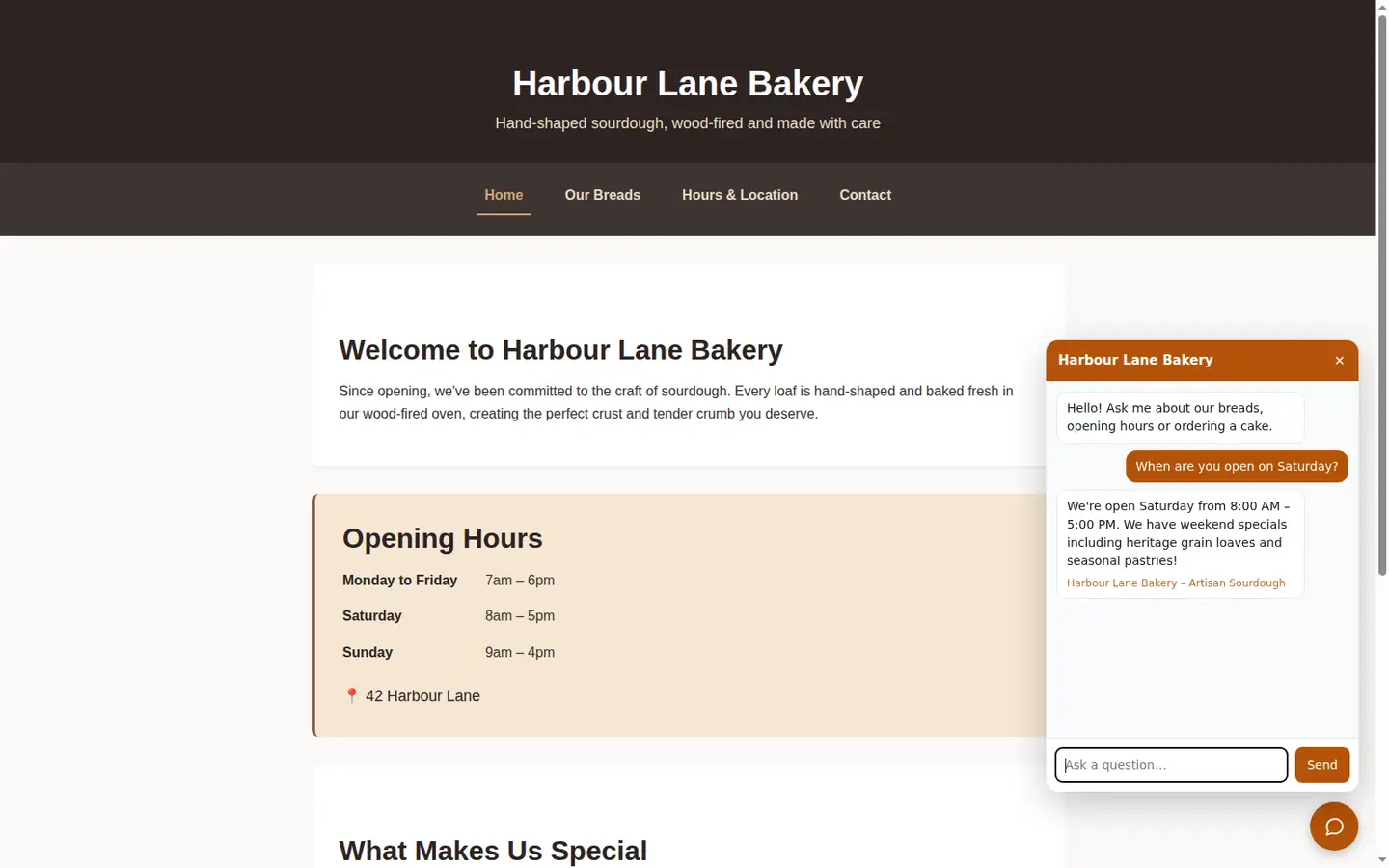
Step by step
Check whether it is already installed
On a WordPress site on our servers, the agent's key is written into the site's configuration and the Zinn® Chat plugin shows the launcher, so there is nothing to do.
Copy the snippet
Anywhere else, copy the script tag from the site's Chat agent section.
Paste it before the closing body tag
Add the tag to your site's template so it appears on every page, just before the closing body tag.
Check the address is allowed
The agent only answers on the web addresses in its list. Add any other domain the page is served from.
Included with Zinn Digital® hosting
Host with us and the AI comes with the account
Every Zinn Digital® hosting account includes the MCP server, the Ask Zinn® assistant and the AI migration agent at no charge, plus a one-time welcome credit for the site builder. On our servers, the chat agent reads a static site straight from its files and installs itself on WordPress.